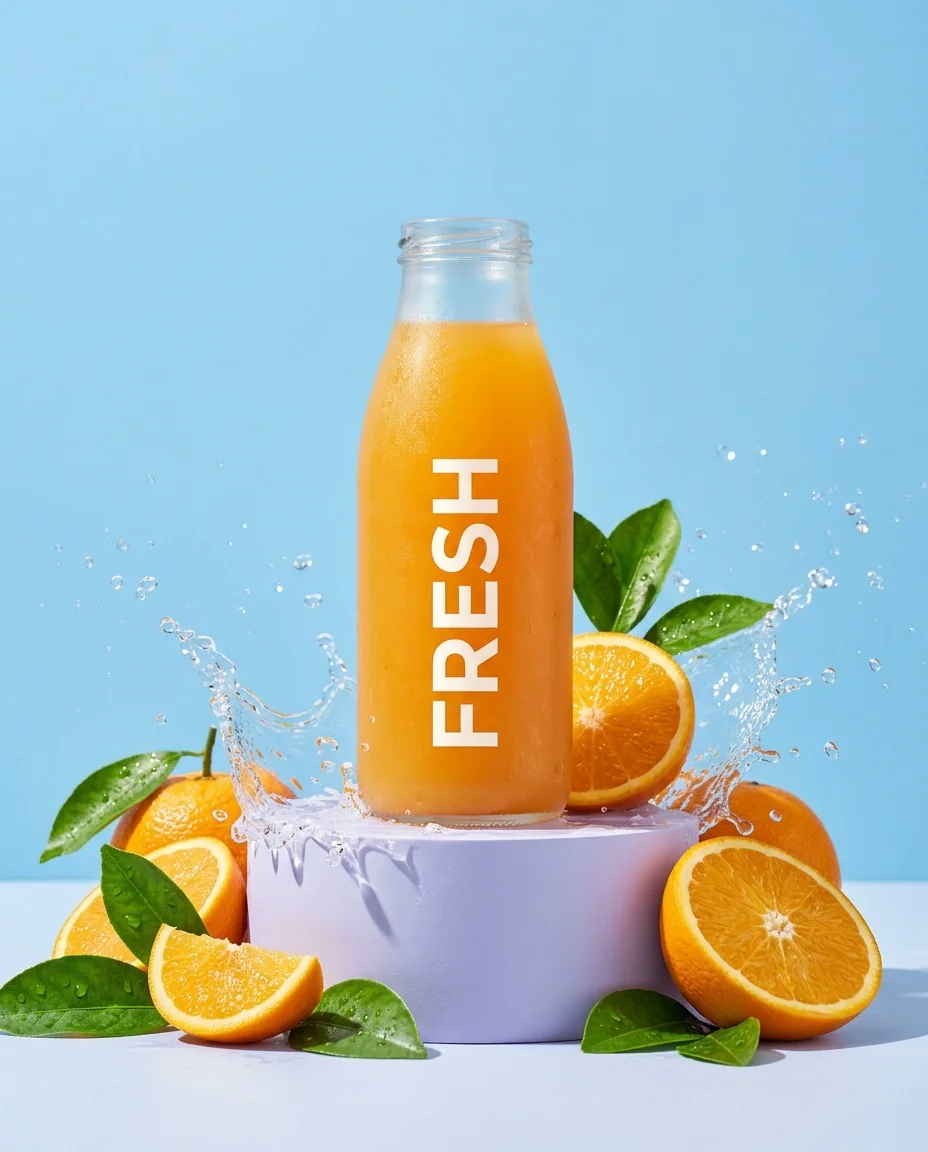
Product restyling
Use image to image AI to explore a different product backdrop. Name the bottle shape, label and colors you want to preserve.
Your photo. A new direction.
Start with a photo, then describe what comes next. Use image to image AI to explore new backgrounds, lighting and styles with your reference as the starting point.
Try image to image AIReference-guided edits · 1K / 2K / 4K output
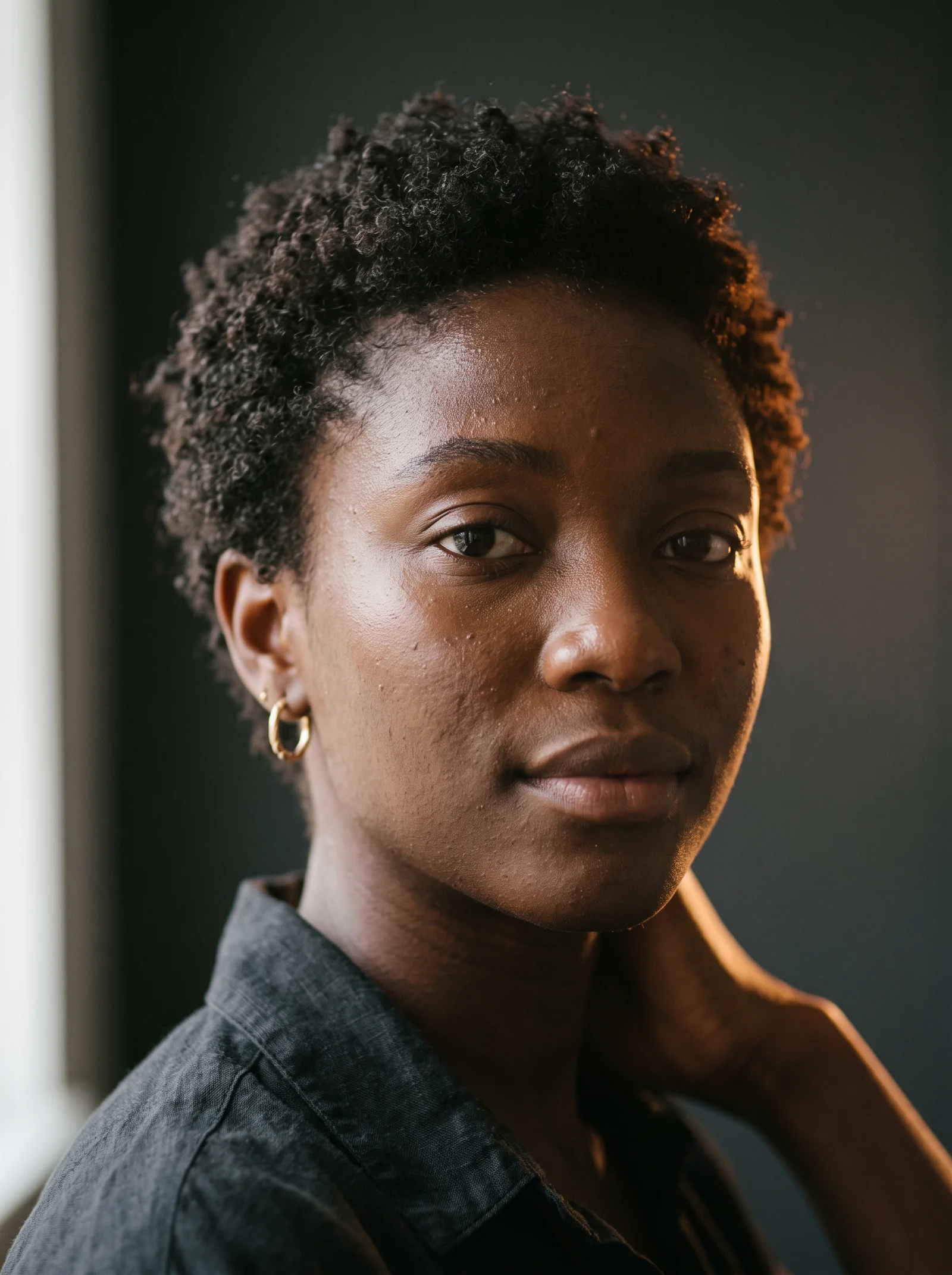
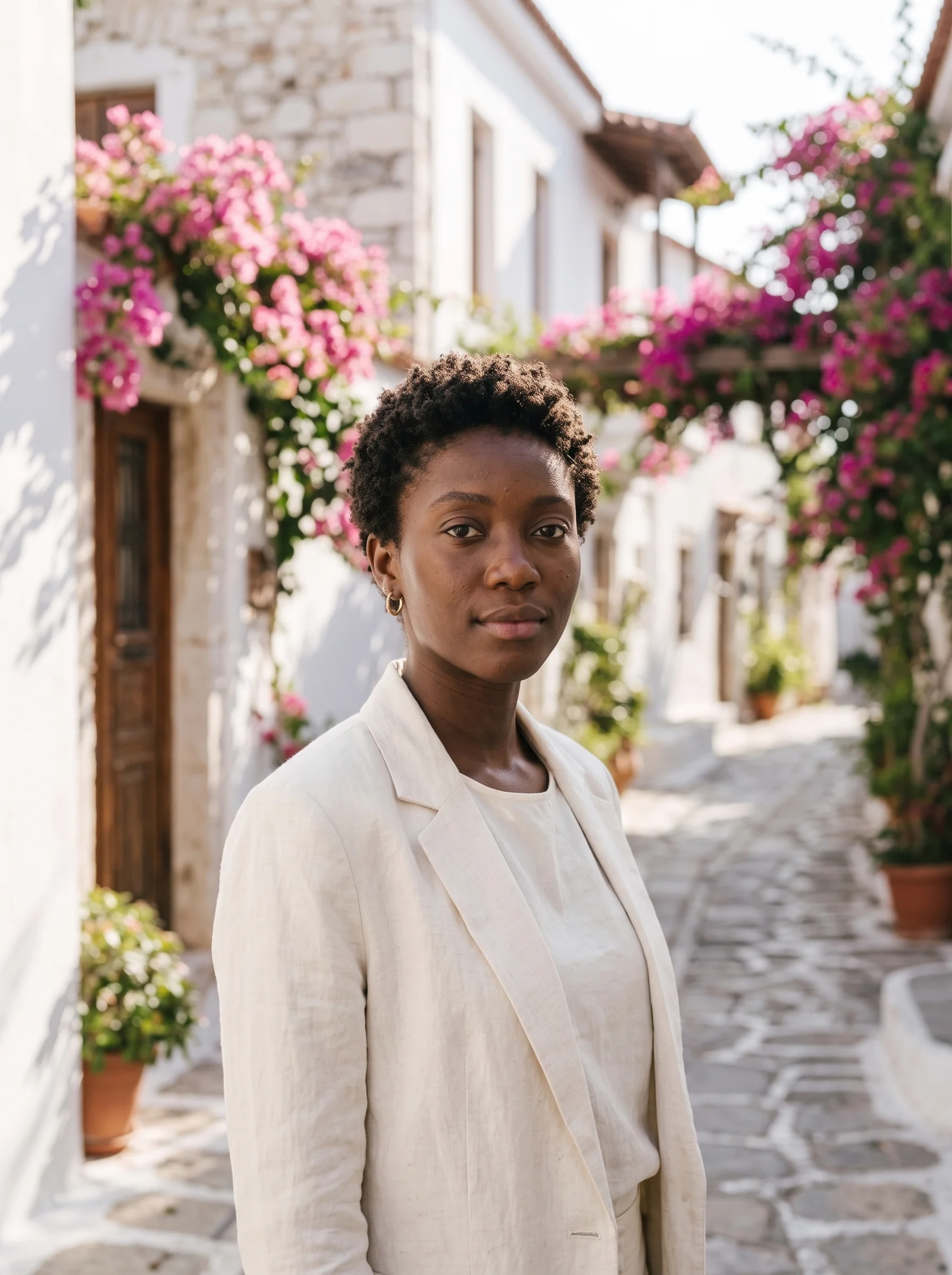
An image to image AI example from our prompt library: a new outfit and outdoor setting. Compare the face and surrounding details before using an edit.
Make it yours
Image to image AI starts at 15 credits per image with the default model. Sign in to use your balance. View credit plans
Give image to image AI a clear starting point and one focused direction.
Choose a clear photo you have permission to use. The editor works from the visual details you provide, so start with a useful source.
Tell the editor what to preserve and what to replace. Specify the background, colors or style instead of asking for a vague improvement.
Generate one draft, inspect it and adjust your instructions. Generated results can vary; check the details before creating more variations.
These library images are starting references, not before-and-after claims. Load one into image to image AI and make your own variation.
Use image to image AI to explore a different product backdrop. Name the bottle shape, label and colors you want to preserve.
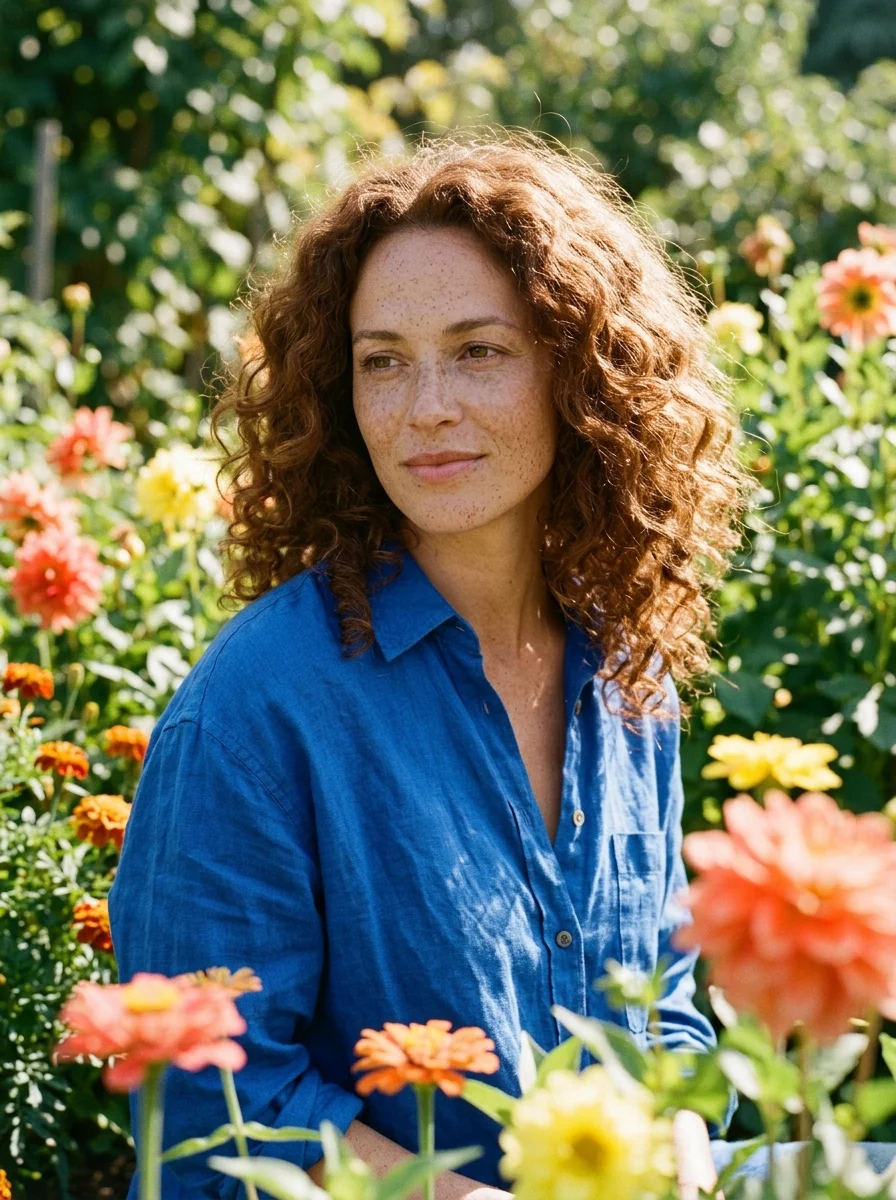
Start with a portrait reference. Try softer lighting or a new setting, then check facial details against the original.
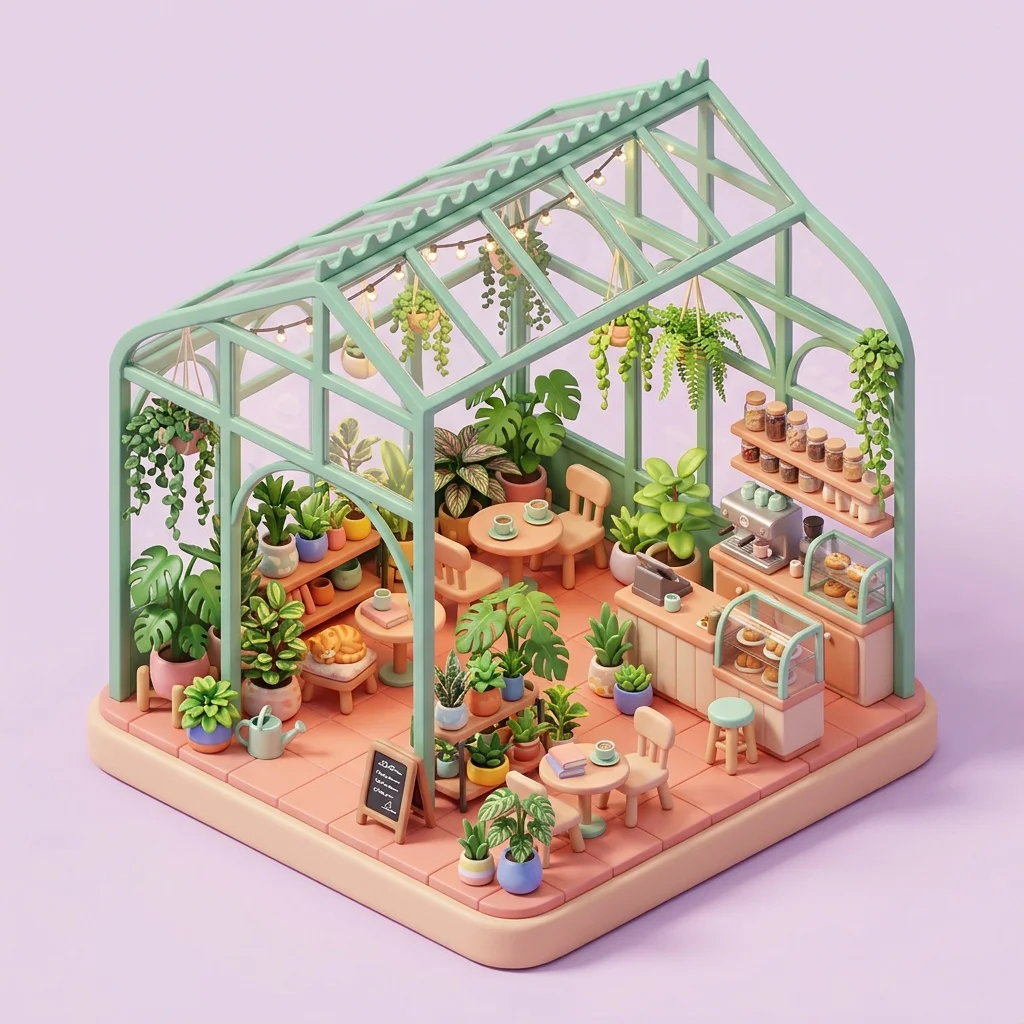
Choose a scene to reinterpret. Adjust the season, palette or materials while describing the structure that should remain.
A better brief
A useful image to image AI prompt separates the details to keep from the changes to make.
“Keep the person’s face, curly hair and blue shirt recognizable. Replace the garden with a cream studio wall. Use soft window light and natural skin texture.”
Image to image AI uses an existing picture together with written instructions to guide a new image. Your reference supplies visual context; the prompt explains the changes. Results are generated variations, so details may differ from the source.
Text to image starts from a written description. Image to image AI also uses your uploaded reference, which is helpful when a subject, composition or style already exists. Use a reference when showing the starting point is easier than describing it.
Eligible new accounts receive limited starter credits. Sign in and check your balance before generating. Image to image AI uses credits for each output; free trial access does not include unlimited edits.
No. Image to image AI can alter facial features, logos, proportions and surrounding details. Describe the features to preserve and compare every result against the reference. Use manual editing when exact identity or unchanged pixels are essential.
The default model accepts up to 10 references. Tell image to image AI what each one contributes: @img1 for the subject, @img2 for the background and @img3 for the style. Keep instructions consistent across your references.
State what to keep, what to change and the desired visual style. For example: keep the bag shape and stitching, replace the table with pale stone, and use soft daylight. Start with one clear change before combining several edits.
Bring a reference to the editor and explore one change at a time.
Open image to image AI